
For UK players, the best way to get started with BetBlast is to check whether the casino currently offers an official mobile app in your region. App availability, supported devices and download instructions can change, so avoid relying on old links or unofficial download sites. Begin at the casino’s verified website, confirm that the service accepts players in Great Britain, and follow only the instructions shown there.
This guide explains how to check for the BetBlast app, install it safely when an official version is available, and use the mobile website if there is no app for your device. It also covers practical checks for payments, account security and responsible play. The central rule is simple: verify the source before installing anything or entering personal details.
Check whether the BetBlast app is available
Search the official BetBlast website for an app page or a clearly labelled download section. Check that the page uses the casino’s genuine domain and that its terms identify the operator. If an app is listed in the Apple App Store or Google Play, make sure the developer name and links match the details on the official site. A familiar logo alone is not proof that an app is authentic.
Some online casinos do not publish a separate app for every operating system or country. They may instead offer a mobile-optimised website that opens in a browser. This can provide access to casino games and account functions without downloading software. If the UK-facing site does not provide an official app link, use the website rather than a file hosted by an unknown third party.
Confirm UK access and licensing information
Before registering or depositing, check the operator’s legal information and whether it is authorised to offer gambling to customers in the UK. The UK Gambling Commission’s public register can help users verify a named operator, although you should match the exact legal company rather than rely on a brand name alone. Read the site’s terms, age requirements, withdrawal rules and responsible-gambling information. UkBetBlast Site
Access can depend on where you live, the operator’s current permissions and the terms that apply to your account. Do not use a VPN or provide false location details to get around restrictions. If the site does not clearly explain whether UK residents can use its services, contact its support team before signing up.
How to download the app safely
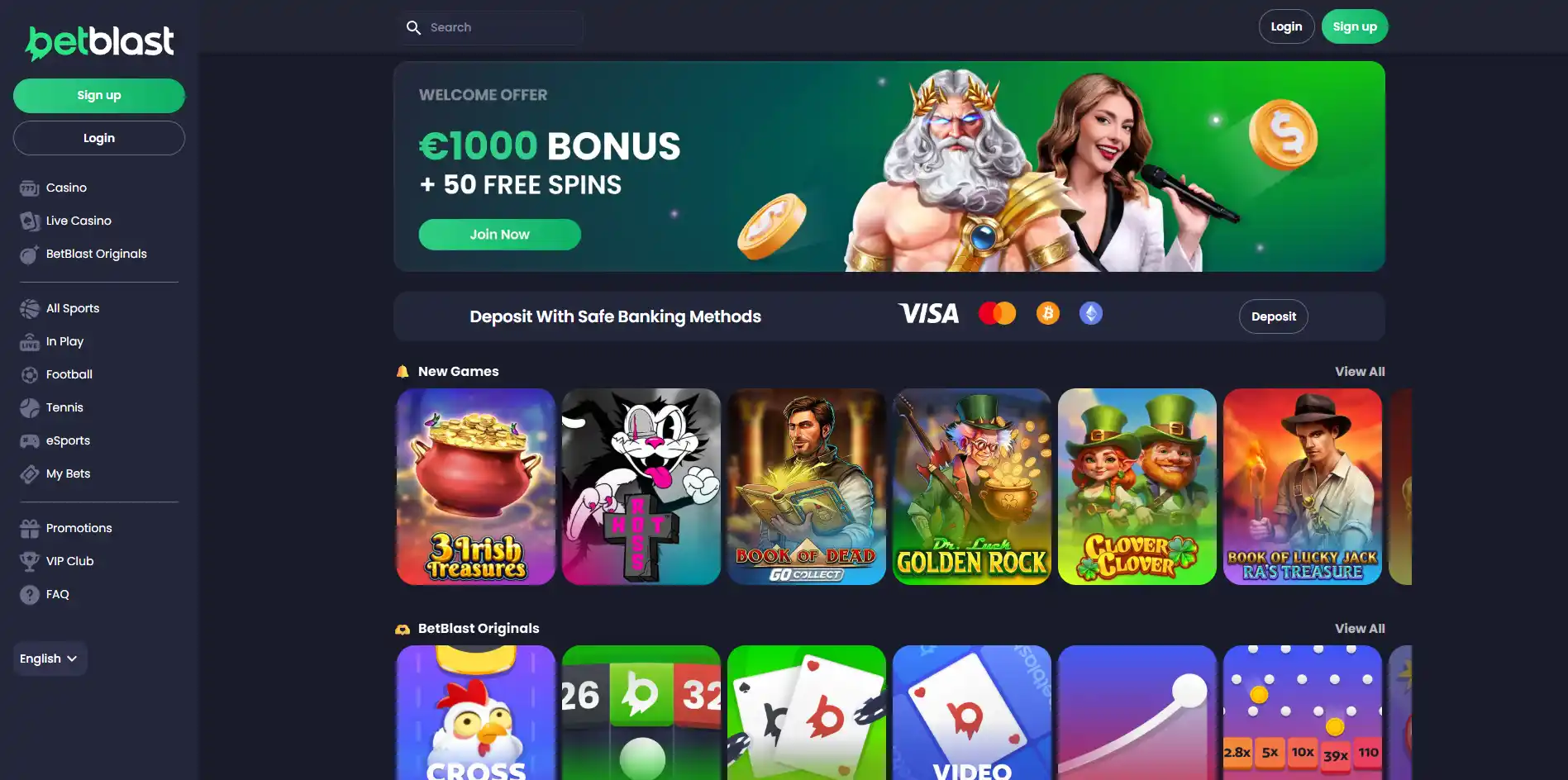
- Start at the verified website. Type the casino’s address yourself or use a trusted bookmark. Avoid links in unsolicited messages, pop-up ads and social media comments.
- Find the official download instructions. Follow the link from the site to an app store or to a download page that identifies the publisher and supported devices.
- Check the details. Confirm the app name, developer, permissions and compatibility. Be cautious if an installation asks for access that seems unrelated to casino functions.
- Install and update. Use your device’s normal installation process and keep the operating system and app current. Do not disable security protections just to install a file.
- Open the app and verify the address. Before entering login or payment details, confirm that you are using the genuine service and a secure connection.
- Set account protections. Use a unique password, enable available security features and never share one-time codes with anyone claiming to be support.
On iPhone and iPad, the safest route is generally an official App Store listing linked from the casino’s website. On Android, prefer Google Play when the operator provides a verified listing. If the operator instructs users to install an Android package directly, pause to verify the instructions independently on the official site and assess whether you are comfortable with the risks. Never install a file sent through an unsolicited email or messaging app.
If there is no app: use the mobile website
A mobile browser may be the simplest option when BetBlast has no official app for UK customers. Open the verified website in Safari, Chrome or another reputable browser. The mobile version should adapt to the screen and allow you to sign in, browse available games and manage basic account settings, subject to the operator’s terms and regional availability;
You can add a website shortcut to your home screen using your browser’s built-in menu. This creates an icon that opens the site; it does not turn the website into a separately installed casino app. Make sure the shortcut points to the correct domain, and remove it if you later discover that the service is unavailable or not intended for your location.
App or browser: what should you choose?
An app can make repeat access convenient and may support device-specific features, but it also needs updates and takes storage space. A browser avoids installing a separate program and can be easier to remove, though the experience may depend on the device, browser and internet connection. Neither option guarantees better game performance or better chances of winning. Choose the method that is officially supported and feels easiest to secure.
Regardless of the format, use a trusted network when signing in or making a payment. Avoid public Wi-Fi for sensitive account activity when possible, and do not save payment details on a shared device. Log out after playing on a device that other people can access.
What to check before playing
- Account terms: Read the rules for registration, identity checks, deposits, withdrawals and any promotional offers.
- Payment options: Check which methods are available to UK customers, any fees, processing times and limits; Use a payment method in your own name.
- Game information: Review each game’s rules, paytable and return-to-player information where provided. RTP is a theoretical long-run measure, not a promise about an individual session.
- Privacy and security: Read the privacy notice and use a password that is not used on other services.
- Support: Identify the official customer-support channels and save the operator’s contact details from the website.
- Safer-gambling tools: Look for deposit limits, time reminders, reality checks, time-outs and self-exclusion options.
Casino games involve risk, and no app can change the underlying odds. Set a spending limit before you play and treat gambling as paid entertainment, not a way to make money. Do not chase losses, borrow to gamble or continue when play stops being enjoyable. If you are concerned about your gambling, stop and seek support from a recognised UK service such as GamCare or the National Gambling Helpline.
Common download problems
The app is not listed in the store
First, check the casino’s official help pages to see whether it supports your device and country. A listing may be unavailable because the operator has not released an app for that platform, has changed its distribution method or does not serve your region. Do not download a similarly named app unless the official site confirms that it is genuine.
Your device says the app is incompatible
Check the app’s minimum operating-system requirements and update your device only through its built-in settings. If your device cannot run the current version, use the mobile website if it is officially supported. Avoid modified versions or files that claim to bypass compatibility checks.
The app will not open or keeps crashing
Check your internet connection, restart the device and install any verified update. If the problem remains, consult the casino’s official support page. Do not give a support agent your password or verification code. If you are asked to install remote-access software or send payment details through an informal channel, stop and contact the operator using contact information from its official site.
Questions and answers
Is there an official BetBlast app for UK players?
Availability can change, and it may vary by operating system. Check the current UK-facing BetBlast website and its verified app-store links. If no official download is shown, use the mobile website rather than an unofficial installer.
Can I download the BetBlast app from a third-party website?
It is safer not to. Third-party files may be altered, outdated or designed to collect personal information. Use an app store or download route that the verified operator itself identifies.
Does installing the app mean I can play from anywhere in the UK?
No. Installation does not override the operator’s eligibility rules, location restrictions or legal requirements. Confirm that the service accepts customers where you live and follow its account terms.
Will the app improve my chances of winning?
No. An app is simply a way to access a service. Game outcomes depend on the rules and chance-based mechanics of each game, not on whether you play through an app or a browser.
A safe, practical way to get started
The best way to download the BetBlast app is to verify that an official version is currently offered to UK players, then install it only through the source linked by the operator. Check the developer, permissions and device requirements, and protect your account with a unique password. If the official site does not provide an app, its mobile website may be a straightforward alternative.
Before playing, confirm UK eligibility, understand the terms and make use of available safer-gambling controls. If anything about a download, payment request or support message feels suspicious, do not proceed. Verify it through the operator’s published contact channels, and choose not to gamble if the service’s status or safety is unclear.